
Shopping for high-end computing hardware often leads budget-conscious consumers away from full-price retail shelves and into the secondary market. When you are eyeing a premium machine—whether a top-tier MacBook Pro, a business-class Lenovo ThinkPad, or a high-performance Dell XPS—paying full retail price can sting. Fortunately, two popular discount paths consistently emerge for savvy shoppers: factory-certified refurbished laptops and open-box retail models. While both options promise substantial savings compared to brand-new units, they operate under entirely different operational frameworks, risk profiles, and warranty structures.
Understanding the fundamental differences between refurbished laptops vs open box units is essential before handing over your credit card. An open-box computer is typically an item returned by a customer shortly after purchase, often with little to no actual wear, whereas a refurbished machine has usually undergone a formal restoration, diagnostic testing, and repackaging process by either the original manufacturer or a certified third-party vendor. Choosing the right path requires looking past the sticker price to evaluate warranty limitations, battery health degradation, restocking fees, and long-term hardware reliability.
Defining the Contenders: Open-Box vs. Refurbished
To make an informed purchasing decision, you first need to understand what each label actually means in the retail ecosystem. The terminology can sometimes feel interchangeable, but the supply chains and handling histories are vastly different.
Open-box electronics are items that customers purchased and subsequently returned to major retailers like Best Buy, Micro Center, or direct manufacturer stores. Common reasons for return include buyer’s remorse, purchasing the wrong screen size, or minor software incompatibility. In many cases, the previous owner opened the cardboard shipping container, booted the laptop once, realized it did not suit their workflow, and returned it within a standard 14-day or 30-day window. Retailers cannot legally sell these units as brand-new, so they discount them to clear inventory.
Refurbished laptops, by contrast, have a more complex lifecycle. These units may originate from customer returns, corporate lease returns, floor display models, or units sent in for minor warranty repairs. Once collected, these machines enter a processing facility. Here, technicians wipe the storage drives clean, run diagnostic software to test every component, replace worn or damaged parts (such as cracked screens or faulty keyboards), clean the exterior chassis, and repackage the laptop with compatible power adapters. When a brand like Apple, Dell, or HP manages this process directly, the machine earns the designation of ‘factory-certified refurbished.’
When examining these two categories, it helps to break down their origin points even further. Open-box items generally fall into graded sub-categories at major big-box electronics stores. Grade ‘Open-Box Excellent’ usually means the laptop is pristine, often indistinguishable from brand-new, complete with all original accessories and factory plastic wrappers. Grade ‘Open-Box Good’ or ‘Satisfactory’ might feature minor cosmetic scratches on the outer lid, missing manuals, or generic replacement charging bricks. Understanding these grading systems helps prevent unpleasant surprises upon unboxing your discounted machine.
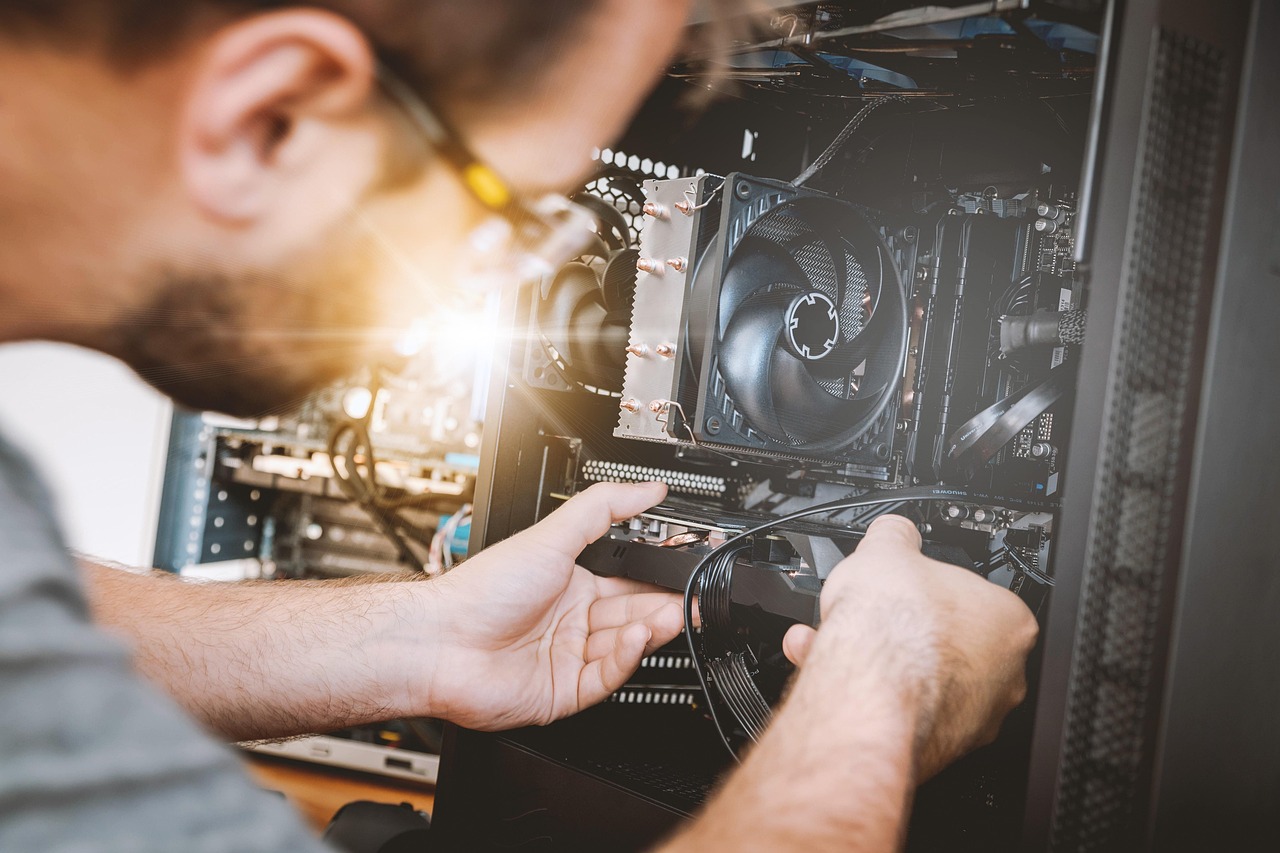
Refurbished units, on the other hand, follow a restoration pipeline that is largely invisible to the retail consumer until problems arise. A corporate lease return of 500 business laptops undergoes batch testing where individual motherboards are stress-tested, thermal paste is reapplied to the CPU to ensure optimal cooling performance, and hard drives are securely sanitized to Department of Defense standards before receiving a clean installation of Windows or macOS. This technical deep-clean is what separates a truly reliable refurbished machine from a simple second-hand sale.
Manufacturer Warranties and Legal Protections
One of the most critical factors separating open-box items from refurbished hardware is the nature and duration of the warranty coverage. Warranty limitations can make or break a discounted tech purchase, especially when dealing with complex, expensive components like motherboards and soldered graphics chips.
Open-box items generally retain the remainder of the original manufacturer warranty. If you purchase an open-box laptop that was originally registered by a retailer or a previous buyer three months ago, your manufacturer warranty will typically expire nine months later. However, some manufacturers base the warranty start date on the original purchase receipt, meaning you might enjoy the full standard one-year warranty. Always verify how the specific manufacturer handles open-box warranty claims, as third-party retail protection plans (often sold as separate add-on warranties) can complicate or duplicate coverage.
Certified refurbished laptops, meanwhile, almost always come with a dedicated warranty provided by the manufacturer or the refurbishing vendor. This is often a full one-year warranty, mirroring what you would receive on a brand-new retail unit. When evaluating open box laptop warranty risks, the primary concern is the potential lack of transferable manufacturer coverage or shortened warranty windows, whereas certified refurbished hardware generally provides a clean slate of protection.
Furthermore, consumer law protections vary significantly based on whether you buy open-box or refurbished. Brand-new items and open-box items sold directly by authorized retailers inherit all standard statutory consumer guarantees, whereas some third-party refurbished sellers attempt to impose restrictive terms in their fine print. Always review the terms of service to confirm whether the refurbishing vendor offers a hassle-free repair, replacement, or refund guarantee should the hardware fail prematurely.
Battery Health and Component Wear Rates
Batteries are consumable components with a finite lifespan governed by chemical aging and charge-discharge cycles. When purchasing discounted hardware, the condition of the lithium-ion battery is often the single biggest variable affecting your day-to-day user experience.
Open-box laptops typically feature batteries with 95% to 100% of their original design capacity remaining, given their minimal prior usage. You are essentially getting a brand-new battery that has only seen a handful of charge cycles. If the previous owner barely used the machine, the battery degradation is negligible.
Refurbished laptops require closer scrutiny regarding battery health. While factory-certified refurbishers typically test battery capacity and replace any unit that falls below a strict threshold (often 80% or 85% of original capacity), third-party refurbishers vary wildly in their quality control standards. A corporate lease return that spent three years plugged into a desk dock might feature a heavily worn battery that requires a replacement sooner rather than later. Always check the refurbisher’s specific policy regarding minimum battery health guarantees.
Beyond the battery, mechanical and solid-state storage wear deserves equal attention. Modern NVMe solid-state drives (SSDs) have finite write endurance limits, measured in Terabytes Written (TBW). While a light open-box return will have negligible SSD wear, a refurbished corporate laptop that handled massive data transfers for a fleet of financial analysts might show higher drive wear levels. Checking SMART data via diagnostic utilities upon receipt allows you to verify the actual health and operational hours of internal storage drives before your return window closes.
Return Policies, Restocking Fees, and Trial Periods
Even with careful research, buying discounted hardware carries a small element of chance. Knowing your exit strategy if the laptop fails to meet your expectations is vital.
Big-box retailers selling open-box inventory generally apply their standard return policies to these items. If you buy an open-box laptop from a major electronics retailer, you typically have 14 to 30 days to test the machine thoroughly. If you discover a hidden defect, missing accessory, or performance bottleneck, you can return it for a full refund. Be aware, however, that some retailers enforce strict restocking fees (often 15%) on open-box or clearance computer hardware to deter serial returners.
Refurbished laptops purchased online through third-party marketplaces or specialized refurbishers operate under diverse return guidelines. Reputable sellers offer a 30-day money-back guarantee, but you may be responsible for return shipping costs. Furthermore, if you purchase a certified refurbished device directly from a major manufacturer, their return window usually mirrors their standard retail policy, providing robust consumer protection.
When purchasing online, always inspect the fine print regarding return shipping insurance and restocking fees. Some independent refurbishers deduct return shipping costs from your refund total or refuse returns if the original shipping packaging is damaged. Keeping all shipping boxes, foam inserts, and protective plastic sleeves until your evaluation period concludes is a practical safeguarding step.
Quality Control and Testing Protocols
The journey a laptop takes from a previous owner’s hands back to your desk highlights stark differences in quality control between open-box retail and structured refurbishment.
Open-box items receive varying degrees of inspection depending on the retailer. Some stores perform a rudimentary cosmetic check, reset the operating system, and slap an ‘Inspected’ sticker on the box. Other times, an open-box item is simply a customer return put back on the shelf without extensive hardware diagnostics. This creates a slight risk of inheriting an unaddressed intermittent hardware flaw that caused the original buyer to return it.
Refurbished units go through formal multi-point inspection checklists. Technicians test the keyboard responsiveness, trackpad accuracy, webcam functionality, Wi-Fi connectivity, and port integrity. For consumers seeking certified refurbished tech value, this rigorous diagnostic testing provides peace of mind that the machine has been thoroughly vetted before shipment.
In a professional refurbishment facility, hardware diagnostics involve automated scripts that test every individual key on the keyboard, measure fan speeds under heavy CPU loads, verify screen color accuracy and uniformity, and test all USB and Thunderbolt ports for data transfer integrity. This rigorous approach ensures that latent factory defects are caught and corrected before the machine ever reaches a secondary retail buyer.
Price-to-Value Ratio Across Different Brands
Savings are rarely distributed evenly across the hardware landscape. The depth of discount depends heavily on the manufacturer, the product lifecycle, and market demand.
Apple MacBooks, for instance, rarely see deep open-box discounts because their resale value remains exceptionally high. However, Apple’s official refurbished store is widely considered the gold standard in the industry, offering like-new hardware with fresh outer shells and new batteries at a consistent 15% to 20% discount. Windows laptop manufacturers like Dell, HP, and Lenovo often feature aggressive open-box markdowns at major retail partners when clearing out last year’s processor generation.
When calculating the true value, factor in whether the machine includes the original operating system license, official power adapters, and any bundled software perks. A slightly cheaper open-box laptop missing its proprietary high-wattage USB-C charger can quickly erase your savings if you have to buy an expensive OEM replacement.
Examining generational shifts in CPU and GPU technology also impacts your calculations. Buying an open-box laptop featuring last year’s processor architecture at a steep discount often yields better real-world performance per dollar than purchasing a brand-new mid-tier machine. Similarly, business-class refurbished laptops often provide superior chassis rigidity, spill-resistant keyboards, and modular upgradability compared to consumer-grade open-box laptops sold at similar price points.

Common Pitfalls and Hidden Costs to Watch For
Discounted computing deals can occasionally harbor hidden traps that turn a bargain into a frustrating headache. Awareness of these common pitfalls helps protect your wallet.
One frequent issue is missing accessories. Open-box units are notorious for being returned to store shelves without their original power bricks, stylus pens, or instruction manuals. Always confirm the exact contents of the box before purchasing. Another major hazard involves enterprise-locked or activation-locked devices. Laptops returned from corporate environments or previous individual owners may still be tied to corporate management software (like Microsoft Intune) or personal user accounts (like Apple’s Activation Lock), rendering the machine unusable until cleared.
When buying used laptops online through peer-to-peer marketplaces rather than certified vendors, you also lose consumer protections against damaged internals, liquid spills, or counterfeit components. Sticking to established retailers, factory stores, or reputable refurbishing platforms mitigates these severe risks.
Another subtle pitfall is software license verification. When buying refurbished Windows laptops, confirm that the operating system license is legally embedded in the UEFI/BIOS firmware rather than relying on a temporary activation crack. Unauthorized software installations can lead to security vulnerabilities and sudden deactivation notices after future system updates.
Assessing Refurbished and Open-Box Value in Practice
To determine whether an open-box or refurbished model makes sense for your specific computing needs, run through a practical evaluation checklist:
Verify the Warranty: Ensure the machine comes with at least a 90-day warranty, though a full one-year warranty is ideal for expensive machines.
Check the Return Window: Confirm that you have a minimum of 14 to 30 days to stress-test the hardware, run benchmark tests, and check battery health.
Inspect Accessories: Factor the cost of missing OEM chargers or peripherals into the overall purchase price.
Evaluate the Seller’s Reputation: Prioritize factory-certified programs or highly rated commercial refurbishers over unverified secondary-market sellers.
By applying these criteria, you can separate genuinely great hardware deals from problematic clearance stock.
Final Verdict: Which Discount Route Fits Your Needs?
Deciding between an open-box retail model and a factory-certified refurbished laptop ultimately boils down to your risk tolerance and what you prioritize most in a transaction.
Choose an open-box laptop if you want a nearly brand-new machine with maximum battery life and residual manufacturer warranty, and you feel comfortable inspecting the unit yourself within a short retail return window. These deals shine when you find them at reputable local retailers where you can inspect the physical condition before purchase.
Choose a factory-certified refurbished laptop if you want the security of a dedicated one-year warranty, comprehensive multi-point diagnostic testing, and professional restoration, all while securing a significant discount on high-end hardware. By carefully balancing these trade-offs, you can acquire premium computing power without paying a premium price.