When corporate leadership, defense counsel, medical directors, and wealth managers conduct high-stakes strategic discussions, using automated meeting recorders often presents an uncomfortable privacy compromise. Standard cloud meeting assistants record audio, compress it, and stream it across third-party remote servers. Even when cloud platforms offer enterprise encryption, transmitting sensitive intellectual property or protected health information across public network nodes exposes firms to subpoena exposure, data vendor breaches, cloud bucket misconfigurations, and automated model training on proprietary conversations. Deploying local AI transcription tools confidential meetings require eliminates these structural third-party risks entirely.
By executing speech recognition engines and large language models directly on local desktop hardware, organizations keep sensitive voice data entirely within their physical control. Modern desktop processors, neural processing units, and dedicated graphics hardware are now fully capable of running advanced neural speech-to-text engines locally. You retain the convenience of instant transcripts and automated action items while maintaining absolute data sovereignty over your confidential conversations.
The Privacy Imperative: Why Cloud Transcription Fails Confidentiality Standards
Most commercial meeting transcription platforms operate on a standard Software-as-a-Service (SaaS) architecture. Your computer or mobile device records incoming room audio, streams raw or compressed audio files over the internet to a vendor’s cloud infrastructure, processes the sound through remote Application Programming Interfaces (APIs), and pushes text transcripts back to your client dashboard. While this cloud pipeline is convenient for basic consumer calls, it breaks down under strict corporate and legal confidentiality standards.
First, vendor terms of service are rarely static. Cloud AI services frequently update terms to allow anonymized audio snippets, diagnostic transcripts, or low-confidence samples to be evaluated by internal human reviewers or ingested for background model refinement. Even when enterprise contracts include explicit strict non-retention clauses, audio data must still transit public networks, edge proxies, and third-party API gateways. A single unpatched web gateway or compromised cloud container can leak months of confidential board strategy, patent disclosures, or private litigation planning.
Second, strict regulatory environments like HIPAA in healthcare, FINRA and SEC rules in finance, GDPR in international commerce, and strict state bar requirements for attorney-client privilege demand full control over confidential records. Negotiating custom enterprise Business Associate Agreements (BAAs) or explicit cloud security audits for every meeting tool quickly creates administrative delays. Processing meeting transcription strictly offline on corporate hardware bypasses external vendor risk entirely, keeping internal records within approved security perimeters.
How Offline AI Transcription Works on Modern Hardware
Offline artificial intelligence speech recognition relies on open-weights neural network architectures executed directly by local computing hardware. The technical catalyst for this shift was OpenAI’s open-source Whisper model release, followed by highly optimized runtime ports like Whisper.cpp, Faster-Whisper, and CoreML implementations designed for modern consumer operating systems.
Instead of sending live audio frames across the internet, local speech recognition software loads pre-trained neural network weights file directly into your computer’s System RAM or dedicated Video RAM (VRAM). As a room microphone captures spoken dialogue, or as you feed a pre-recorded audio file into the application, the local model converts raw audio waveforms into visual frequency spectrograms. The local neural network then decodes these spectrographic representations into formatted text directly through your computer’s local processor or graphics pipeline.
Because every step of this decoding chain runs inside your local operating system’s kernel memory, these software programs operate without an active internet connection. You can transcribe meetings in a basement facility, on an airplane, inside an air-gapped safe room, or with your Wi-Fi interface completely disabled.
Hardware Requirements: What You Need to Run Local Models Efficiently
Running local speech recognition models efficiently requires adequate computational performance. While smaller speech models can run on lightweight laptops, achieving real-time processing with high accuracy across multi-speaker meetings requires specific hardware configurations.
Apple Silicon Workstations (M1/M2/M3/M4 Series)
Apple’s Unified Memory Architecture (UMA) makes Apple Silicon MacBooks, Mac Studio, and Mac Mini computers particularly effective at running local AI tasks. Because the Central Processing Unit (CPU), Graphics Processing Unit (GPU), and Neural Engine share access to a single high-bandwidth pool of system memory, Apple hardware handles massive neural weight files without performance bottlenecks.
- Minimum Baseline: Apple M1 processor with 16GB of unified memory. Perfectly capable of running small or medium Whisper models in near real-time.
- Recommended Setup: Apple M2 Pro/Max, M3 Pro/Max, or M4 Pro with 32GB or more of unified memory. This allows instant transcription using the full 1.5-billion-parameter Whisper Large model while simultaneously running a local large language model (LLM) for automated summarization.
Windows and Linux PC Configurations
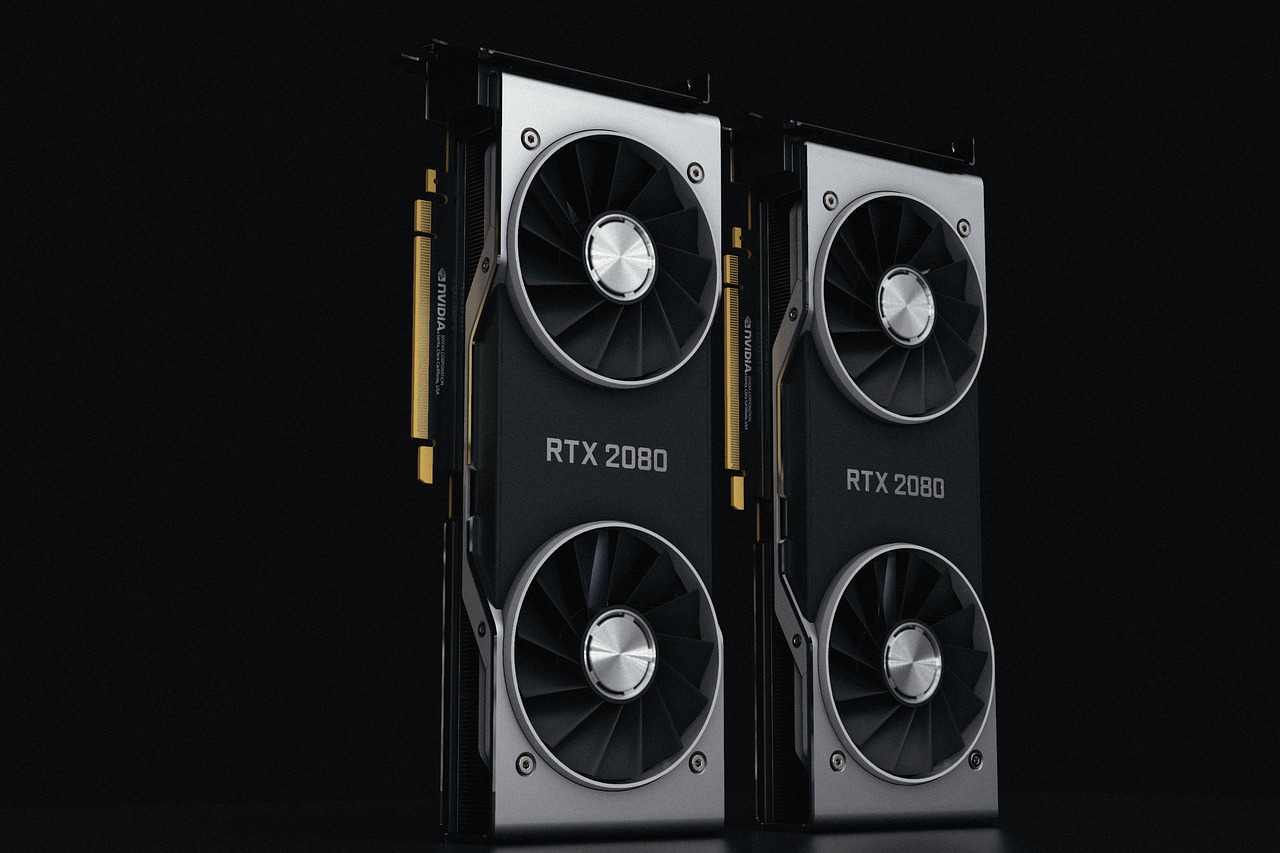
On standard PC architectures, processing speed relies heavily on dedicated NVIDIA GPU VRAM rather than general system memory. While CPU-based transcription is achievable using optimized C++ software ports, dedicated graphics cards decode audio drastically faster.
- Minimum Baseline: Modern multi-core Intel Core i7 / AMD Ryzen 7 processor, 16GB system RAM, and an NVIDIA GPU with at least 6GB of dedicated VRAM (e.g., RTX 3060 or better).
- Recommended Setup: 32GB system RAM combined with an NVIDIA RTX 4070 or higher featuring 12GB+ VRAM. CUDA hardware acceleration enables fast batch processing, transcribing a sixty-minute meeting recording in under ninety seconds.
Top Local AI Transcription Tools Compared
A growing landscape of software projects package raw open-source speech recognition engines into clean, user-friendly desktop interfaces. Below is an practical comparison of the leading offline meeting transcription tools evaluated for corporate privacy, speed, and overall usability.
| Application | Operating Systems | Core Engine | Offline Capability | Primary Use Case |
|---|---|---|---|---|
| MacWhisper | macOS | Whisper (CoreML & C++) | 100% Offline | Executive meeting recording, drag-and-drop batch processing, native Mac integration |
| Buzz | macOS / Windows / Linux | Whisper & Hugging Face | 100% Offline | Live microphone listening, real-time subtitle overlay, open-source cross-platform use |
| Whisper.cpp | macOS / Windows / Linux | Optimized C/C++ Engine | 100% Offline | Command-line integration, server automation, legacy or low-power hardware |
| WhisperScript | macOS / Windows | Faster-Whisper Framework | 100% Offline | Interactive transcript editing, speaker label management, audio verification |
| Audiate | macOS / Windows | Proprietary + Local Whisper | Hybrid / Offline Capable | Text-based audio cleaning, podcast production, executive voice memo editing |
1. MacWhisper: High-Performance Desktop App for Mac Users
MacWhisper is a polished, native macOS application designed specifically to leverage Apple’s CoreML acceleration framework. It allows users to transcribe pre-recorded audio files or capture live meeting conversations directly from system microphonic inputs and software audio streams.
Core Advantages: MacWhisper records both system output (the voices of remote participants on Zoom, Microsoft Teams, or Webex) and system input (your local microphone) without relying on external cloud bots. Users can switch between model sizes depending on task priority—selecting lightweight models like ‘Tiny’ or ‘Base’ for fast processing, or loading ‘Large-v3’ for accurate transcription of nuanced industry terminology. The app includes export options for common file formats, integrated text search, and offline speaker diarization features.
2. Buzz: Open-Source, Cross-Platform Desktop Client
For Windows and Linux professionals seeking open-source AI transcription tools, Buzz offers an intuitive desktop user interface built on top of OpenAI’s Whisper and open C++ execution libraries. It supports real-time live transcribing directly from external microphones as well as batch transcription of recorded client calls.
Core Advantages: Buzz is completely free, community-driven software that runs across all major desktop operating systems. Its live recording mode displays text on screen in real time as participants speak, making it useful for live accessibility, in-person deposition monitoring, or immediate documentation inside air-gapped environments.
3. Whisper.cpp: Maximum Speed and Efficiency
Created by developer Georgi Gerganov, Whisper.cpp is a lightweight, pure C/C++ port of OpenAI’s Whisper speech model. It removes heavy Python framework dependencies, allowing complex speech models to execute with minimal system memory footprint.
Core Advantages: Phenomenal computational speed and low resource overhead. While operated primarily via terminal commands or background scripts, Whisper.cpp serves as the core transcription engine inside many enterprise privacy applications. It supports ARM NEON optimizations on Apple Silicon alongside AVX instructions on modern x86 PC chips, maximizing battery life during processing.
Adding Local AI Summarization: Moving from Transcript to Action Items
While raw, line-by-line meeting transcripts are valuable legal records, busy executives and managers usually require concise meeting summaries, structured action item lists, and key decision logs. Running a local speech tool solves the privacy challenge for speech-to-text, but sending that raw transcript into a public cloud AI tool like ChatGPT destroys your security air-gap.
To retain true confidentiality, you must pair your local speech engine with a fully local Large Language Model pipeline running on the same workstation.

Building an Offline Processing Pipeline with Ollama and Open Models
Using local AI manager frameworks such as Ollama or LM Studio, you can run state-of-the-art open-weights language models—such as Meta’s Llama 3, Mistral, or Qwen—directly on your local hardware.
Here is how a completely isolated, private meeting processing pipeline operates:
- Local Voice Capture: Record meeting audio locally using tools like MacWhisper or Buzz, generating a raw plain-text transcript (.txt or .markdown file) stored on your local disk.
- Local Model Execution: Launch Ollama on your machine and select an optimized instruction model suited for your available RAM (for instance,
llama3.1:8bfor standard 16GB machines orllama3.1:70bfor high-end 64GB+ workstations). - Private Prompt Ingestion: Pass your saved raw transcript into the local model using an offline user interface like Open WebUI, AnythingLLM, or a simple command-line prompt script. Ask the model to organize key takeaways, extract decision logs, and map out assigned responsibilities.
Because both the speech-to-text conversion and the language model inference take place entirely within your machine’s RAM and VRAM, no part of your client conversation, product architecture, or legal strategy ever leaves your desk.
Step-by-Step Guide: Setting Up a Privacy-First Local Meeting Workflow
Configuring a privacy-focused local meeting transcription system requires proper audio setup to ensure high-quality voice capture and precise speaker distinction. Follow this practical operational guide to establish a secure local setup on your computer.
Step 1: Configure Virtual Audio Routing
To capture both sides of a video conference call without inviting external third-party bot accounts that record to the cloud or disrupt meeting participants, configure local virtual audio channels.
- On macOS: Install a reputable open-source virtual audio pass-through driver such as BlackHole, or a commercial routing app like Loopback. Configure your conferencing software (Zoom, Teams, Webex) to send audio output to both your physical headphones and the virtual audio device simultaneously. Set your local speech application to record the virtual device pass-through channel.
- On Windows: Enable Virtual Audio Cable (VAC) or open-source VB-Audio Cable drivers. Map your VoIP call output through the virtual cable interface alongside your desktop microphone input so your local transcription app captures both local and remote speech clearly.
Step 2: Choose the Correct Model Size
Match your transcription model size to your available hardware capabilities and accuracy needs:
- For standard internal check-ins and fast results: Choose Whisper Medium or Distil-Whisper-Large-v3. These models deliver solid grammatical accuracy with fast processing times.
- For formal depositions, legal proceedings, complex technical jargon, or multi-language conversations: Select Whisper Large-v3. This model provides maximum context evaluation and lower word error rates, though it demands more memory.
Step 3: Run Structured Summarization Prompts
Once your local speech engine completes the transcript, paste the plain text into your offline local LLM framework along with a structured business prompt:
You are an executive assistant operating inside an isolated, secure environment.
Analyze the following meeting transcript and build a structured executive briefing document containing:
1. Executive Summary (3 to 4 clear, high-level sentences).
2. Critical Decisions Made (bullet points of agreed items).
3. Action Items & Assignees (task name, assigned owner, and context).
4. Unresolved Questions & Follow-Up Topics.

Maintain direct, neutral, clear business language. Do not output intro conversational text.

TRANSCRIPT:
[Paste Local Transcript Text Here]
Evaluating Accuracy: Local Models vs. Cloud SaaS Giants
A frequent question among corporate compliance leads and IT administrators is whether locally executed open-source speech engines can match the output accuracy of heavily funded cloud platforms like Otter.ai, Fireflies.ai, or Microsoft Copilot.
When evaluated using standard industry benchmarks for Word Error Rate (WER)—the primary metric measuring transcription precision—modern open-weights models like OpenAI’s Whisper Large-v3 match or exceed the performance of leading enterprise cloud APIs. Because Whisper was trained on over 680,000 hours of diverse, multi-lingual, and variable-quality internet audio, it proves remarkably resilient against ambient room noise, diverse regional accents, and casual conversational overlaps.
The primary area where cloud SaaS applications historically held an advantage was automated cloud speaker diarization—identifying distinct individuals as