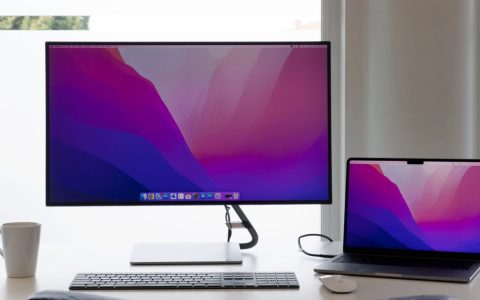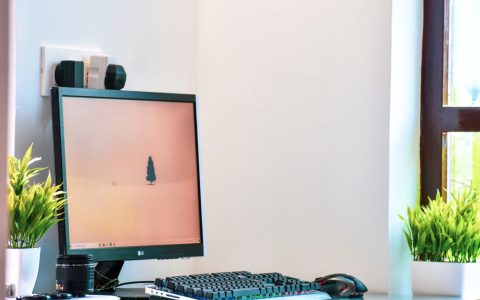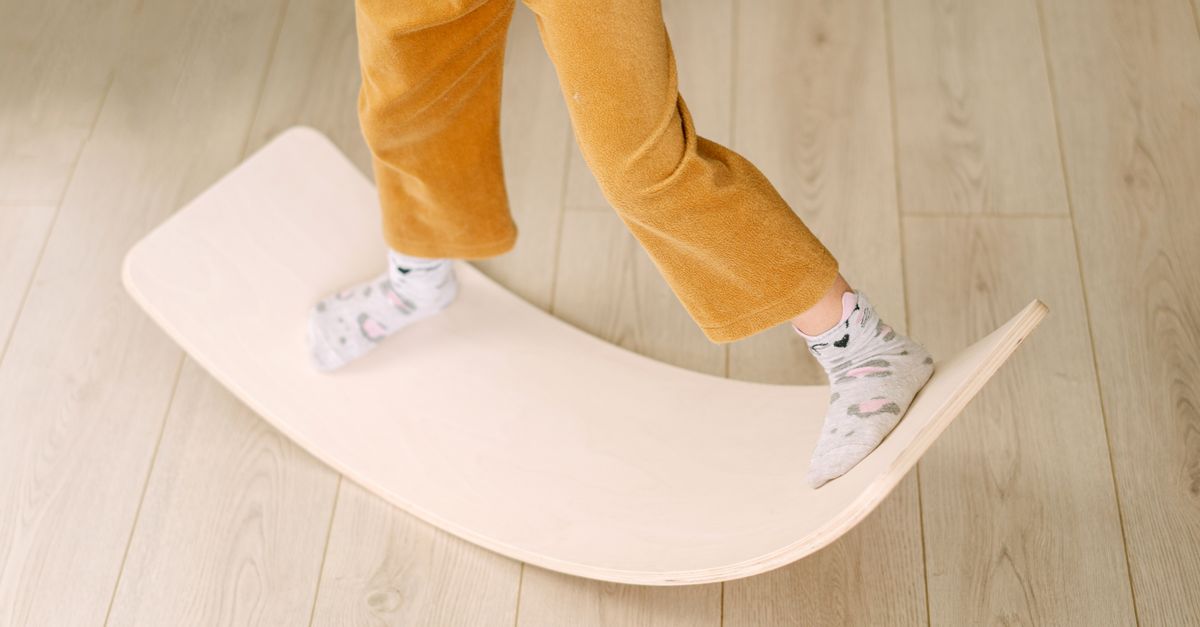
Transitioning to a standing desk is a popular choice for remote knowledge workers looking to escape the health risks of prolonged sitting. However, standing completely still on a hard office floor for hours can introduce its own set of problems, including lower back fatigue, foot pain, and blood pooling in the lower extremities. Introducing a standing desk balance board setup changes static standing into active standing, recruiting your core muscles and encouraging subtle micro-movements that keep your joints lubricated and your mind alert.
Despite the benefits, dropping a wobble board under your desk without a plan often leads to frustration, muscle strain, or a quick return to your office chair. Active standing requires a thoughtful approach to hardware selection, flooring compatibility, posture habits, and daily time limits. This guide breaks down the practical steps required to integrate an active board into your workspace safely and effectively.
Understanding the Mechanics of Active Standing Boards
Before buying or configuring an accessory, it helps to understand how different board styles interact with your body. Not all active standing tools function the same way, and matching the right style to your work tasks is critical for maintaining focus.
Rocker boards tilt along a single axis, usually front-to-back or side-to-side. They offer a predictable, controlled range of motion that makes it easy to shift your weight while typing, reading, or attending video calls. Wobble boards feature a hemispherical base underneath, allowing full 360-degree rotation and tilting. They demand more active stabilization from your core and stabilizer muscles, which is fantastic for engagement but can make intensive spreadsheet work challenging until you build up endurance.
Roller boards consist of a flat platform that rests on top of a cylinder. These provide a much higher degree of difficulty and are generally ill-suited for a standard remote work environment where you need to maintain deep focus without thinking about your balance. For most desk-based tasks, a low-profile wobble board or a rocker board strikes the ideal balance between movement and stability.
When assessing board geometry, pay close attention to the contact surface area and the pivot point height. A low pivot point limits extreme tilt angles, keeping your ankles within a safe, natural range of motion. Higher pivot points amplify every minor weight shift, which can quickly exhaust your calves if you attempt to use them during an eight-hour shift. Selecting the correct mechanical profile is the foundational step of your overall hardware configuration. Additionally, consider inflatable stability discs or wobble cushions placed directly on a standard anti-fatigue mat; these offer a much subtler, highly forgiving degree of instability that is ideal for complete beginners who find rigid wooden or plastic boards too demanding during complex cognitive tasks.

Evaluating Flooring and Surface Grip
Your floor type dictates how your board behaves underfoot and dictates what safety measures you need to take. Placing a hard plastic wobble board on a polished hardwood or tile floor can result in dangerous slipping, while using a sharp-edged wooden board on low-pile carpet can chew up carpet fibers over time.
If you work on hardwood, laminate, or tile, look for boards featuring high-density rubber traction pads or bottom rings. If your board slides too freely, place a non-slip yoga mat or an anti-fatigue mat underneath it to anchor the base while still allowing the board to tilt or rock. For carpeted offices, check that the base of the board does not catch aggressively on the fibers, which can cause sudden jerking motions that strain your ankles or lower back.
Furthermore, consider acoustic and vibration transmission. Active boards can generate repetitive tapping or thudding sounds against hard subfloors, especially if you live in an apartment building or share a multi-story home. Adding a dense rubber underlayment or a heavy felt mat dampens these impacts, keeping your workspace quiet and preserving your relationship with household members or downstairs neighbors. When dealing with area rugs over hardwood, remember that the lip of the rug can create an uneven transition edge; position your board entirely on the rug or entirely off it to prevent unpredictable tilts.
Adjusting Your Standing Desk Ergonomics
Adding a balance board changes your physical height relative to your desk surface. Because you are standing on a platform that elevates you by one to three inches, and because your knees and ankles will be slightly flexed to manage the instability, your standard standing desk height settings will need a minor recalibration.
Stand on your board in your normal working posture and check your elbow angle. Your forearms should be parallel to the floor, forming a comfortable ninety-to-one-hundred-degree angle at the elbow when typing on your keyboard. If your desk is too low, you will slouch forward, neutralizing the ergonomic benefits of the board and putting pressure on your cervical spine. If your desk is too high, your shoulders will creep up toward your ears, creating tension in your upper traps.
Monitor height requires a similar check. The top third of your computer screen should align with your eye level when you are balanced upright on the board. Make micro-adjustments to your monitor arms or laptop risers so you do not have to tilt your chin down to read documents. If you regularly switch between sitting, standing flat, and using the balance board, programmable motorized desk presets are invaluable; assign one preset specifically to your balance board height so you can transition instantly without guessing.
Cable management is another critical ergonomic factor when integrating a moving platform into your workspace. Ensure that your power cords, headset cables, and peripheral wires have adequate slack. When you shift your weight or rock side-to-side on the board, a taut cable can tug unexpectedly on your laptop or monitor, risking equipment damage or creating a tripping hazard. Route all peripheral cables through an under-desk raceway or an articulated arm that moves naturally with your desk adjustments.
Designing a Gradual Transition Schedule
One of the most common mistakes remote workers make is jumping straight into a full eight-hour standing and balancing routine. Even if you are physically active, standing and stabilizing your core on an unstable surface uses small stabilizer muscles that fatigue quickly.
Start by breaking your day into manageable intervals. Spend your first week sitting for most of the day, introducing just one ten-minute standing block with the balance board in the morning and one in the afternoon. Listen to your body. If you feel a dull ache in your lower back or trembling in your calves, sit down immediately. Gradually increase your standing blocks by five to ten minutes each week as your endurance improves.
A sustainable long-term rhythm often looks like alternating between sitting and standing every 30 to 60 minutes, using the balance board for only half of your total standing time. This prevents muscular overload and keeps you moving without sacrificing deep-focus work blocks.
Structuring your day around natural workflow breaks makes this transition easier. For instance, use the balance board during routine email triage, casual team check-ins, or webinar attendance. When transitioning to deep analytical work or coding, sit down or stand statically on a traditional flat anti-fatigue mat to conserve your cognitive and physical energy. Building a reliable weekly schedule ensures consistency without leading to overuse injuries in your ankles or feet.
Refining Posture and Avoiding Common Mistakes
A standing desk balance board setup is only as effective as the posture you maintain while using it. Poor habits can turn an active workspace accessory into a source of chronic strain.
Avoid locking your knees. Keeping your knees rigid transfers impact straight up through your kneecaps and lower lumbar region, defeating the shock-absorbing purpose of the board. Maintain a soft, micro-bend in your knees at all times.
Watch out for leaning or slouching to one side. It is natural to shift your weight onto your dominant hip when you get tired, but prolonged asymmetric standing creates muscular imbalances. Keep your weight centered over your arches, engage your lower abdominal muscles lightly, and keep your shoulders pulled back and relaxed. Pay attention to your breathing; shallow chest breathing often accompanies tension while balancing, so focus on slow, diaphragmatic breaths to keep your core naturally stabilized.
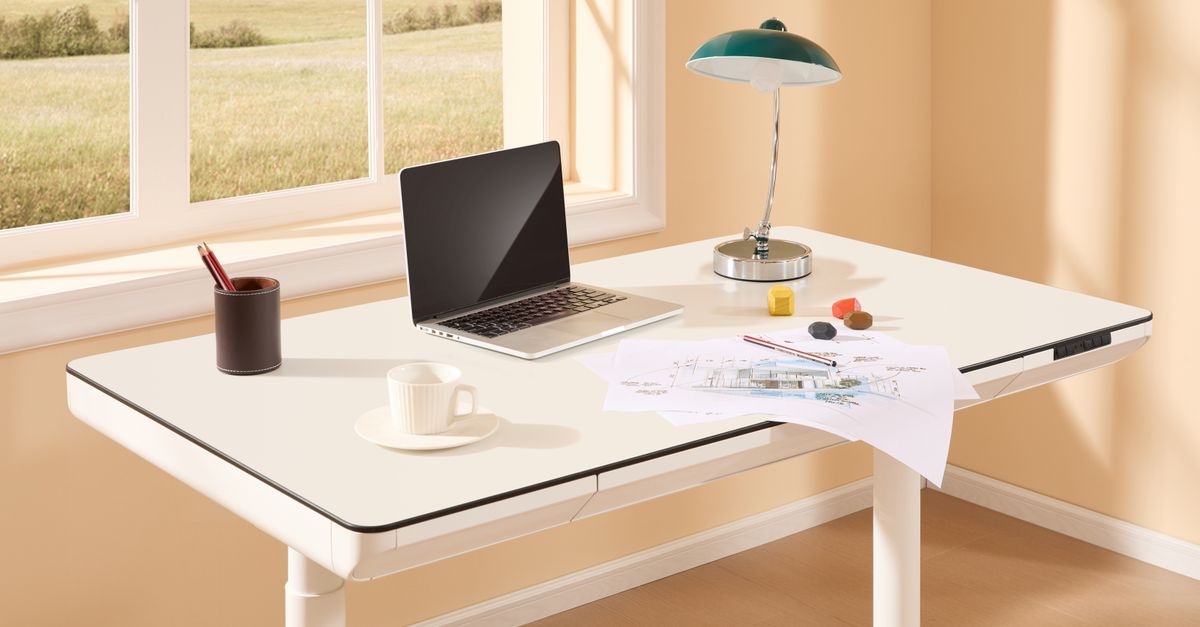
Do not wear thick-soled running shoes while using a balance board. Running shoes feature cushioned, cushioned soles designed for forward momentum, which can destabilize your ankles unpredictably on a wobble board. Instead, wear flat-soled sneakers, cross-trainers, supportive slippers, or even stand in your stocking feet if your flooring temperature permits. Flat soles give you better proprioceptive feedback—the brain’s ability to sense where your body is in space—allowing you to make micro-adjustments instinctively.
Finally, remember that focus matters. If you are deep in a complex problem-solving task or editing sensitive code, you might not notice that your legs are fatiguing. Set a gentle timer on your computer or phone to remind yourself to step off the board, rest your feet on a flat anti-fatigue mat, or sit down entirely.
Maintaining Your Equipment
Once your workspace is dialed in, keeping your balance board in good working order takes minimal effort. Inspect the contact points of the board weekly for dust, pet hair, or debris that could compromise grip. If your board features a wooden rocker base or a plastic dome, wipe it down with a damp cloth periodically using mild soap if necessary, ensuring no chemical residue makes the platform slick.
Check any rubber grips or non-slip adhesive treads for wear. Over months of daily shifting, adhesive edges can peel, or rubber friction pads can smooth down. Replacing worn grip tape or adding fresh non-slip strips ensures your setup remains safe and secure, letting you focus on your remote work tasks rather than your footing. If your board uses mechanical pivot ball joints, occasionally check for loose screws or fasteners to prevent wobbling where it shouldn’t occur.
Troubleshooting Common Discomforts
Even with a careful setup, you may encounter minor physical adjustments during your first few weeks of active standing. Understanding how to interpret these signals helps you distinguish normal adaptation from poor ergonomic alignment.
If you experience mild soreness in your calves or arches, this is generally a sign that your stabilizer muscles are building strength after years of sedentary support. Ensure you are taking regular sitting breaks and stretching your calves at the end of your workday. However, if you feel sharp pain in your lower back or shooting discomfort down your legs, stop using the board immediately. This indicates pelvic tilt or excessive lumbar extension, meaning your core is disengaging and you are hanging on your passive joint structures.
Addressing these issues early prevents minor discomfort from turning into a chronic repetitive strain injury. Revisit your desk height, ensure your core remains lightly braced, and reduce your continuous standing duration until your physical endurance catches up with your hardware setup.
Frequently Asked Questions About Active Standing Boards
As remote workers increasingly adopt active workstations, several practical questions frequently arise regarding daily usage, long-term safety, and workplace etiquette during video calls.
Will using a balance board distract me from deep-focus tasks? Initially, yes, you may find your brain allocating cognitive bandwidth to maintaining balance. This is why starting with short, ten-minute blocks during low-intensity tasks (like reading emails or attending large meetings) is essential. Within two to three weeks, the stabilization process becomes entirely subconscious, allowing you to focus completely on complex work.
Can I use a balance board while on video calls without looking erratic? Low-profile rocker boards or subtle wobble cushions generally produce micro-movements that are virtually invisible on camera, especially if your webcam is framed from the chest up. Avoid aggressive 360-degree wobble boards during client-facing video conferences to maintain a steady visual presence.
Is barefoot use safe on hard wooden balance boards? Standing barefoot is acceptable for short intervals if your feet are comfortable, but prolonged barefoot standing on hard wooden decks can cause skin irritation or heel tenderness. Thin, flat-soled indoor shoes or grip socks provide the ideal compromise between tactile feedback and foot protection.
Final Thoughts
A well-executed standing desk balance board setup bridges the gap between sedentary desk work and physical well-being. By selecting the right board style for your workflow, protecting your floors, recalibrating your desk height, and easing into active standing with sensible time limits, you can ward off lower back fatigue and sedentary stiffness. Treat the board as a tool for mindful movement rather than an endurance test, and your home office will support both your productivity and your physical health for years to come.